.svg)

.webp)
.webp)


Oops! Something went wrong while submitting the form.

You spend months closing a client. And then they sign, and everyone celebrates, and somewhere in that celebration the clock starts on something most agencies are completely unprepared for.
The first two weeks.
This is where clients decide whether they made the right choice. Not in a meeting, but in the accumulation of small signals. How quickly someone responded after the contract was signed. Whether the welcome felt written for them or copied from a template. Whether the whole thing felt organized or improvised.
According to Harvard Business Review, acquiring a new client can cost five to 25 times more than keeping one. Those numbers are not abstract. They are what is at stake in those first two weeks, before a single deliverable has been produced, while the client is still forming their opinion of you. Onboarding is not admin. It is the earliest retention lever your agency can actually control.
🔗 Related Read: The Value of Keeping the Right Clients via HBR
Automating your onboarding does not mean removing the human element. It means removing the coordination work that consumes your team's energy before the real work even begins. The manual task creation. The welcome email someone forgot to send. The kickoff prep that happened at 11pm because nobody built a system to make it happen earlier.
When that coordination is handled by the system, your team's attention goes where it belongs: building the relationship and delivering work worth paying for.
In practice this looks like a client signing, a ClickUp form triggering an automated task in the right list, the right person being assigned, the onboarding template being applied, and a personalized welcome email going out with the client's details already filled in. All before anyone on the team has manually touched anything.
🔗 Related Read: Create a Client Portal in ClickUp (Step-by-Step Guide for 2025)
The good news is that none of this requires a complex build. Most onboarding breakdowns are not caused by a lack of effort. They happen because good people are working inside a system that depends on memory.
This is what ClickUp Automations are for. Not to replace the human part of onboarding, but to remove the parts where the experience can fail silently. They reduce variation, and missed steps and they make sure “the basics” happen every time, even when the team is busy.
Here is what that looks like in practice.
When: a client submits their intake form and ClickUp creates a task.
Then: the correct onboarding template is applied automatically, whether that is branding, Google Ads, a retainer, or another service line.
This standardizes the experience from the very first moment. Nobody starts from scratch. Nobody improvises their own version of the process. The entire checklist is already built before anyone touches the task, and every client gets the same quality of start regardless of who is managing the account.
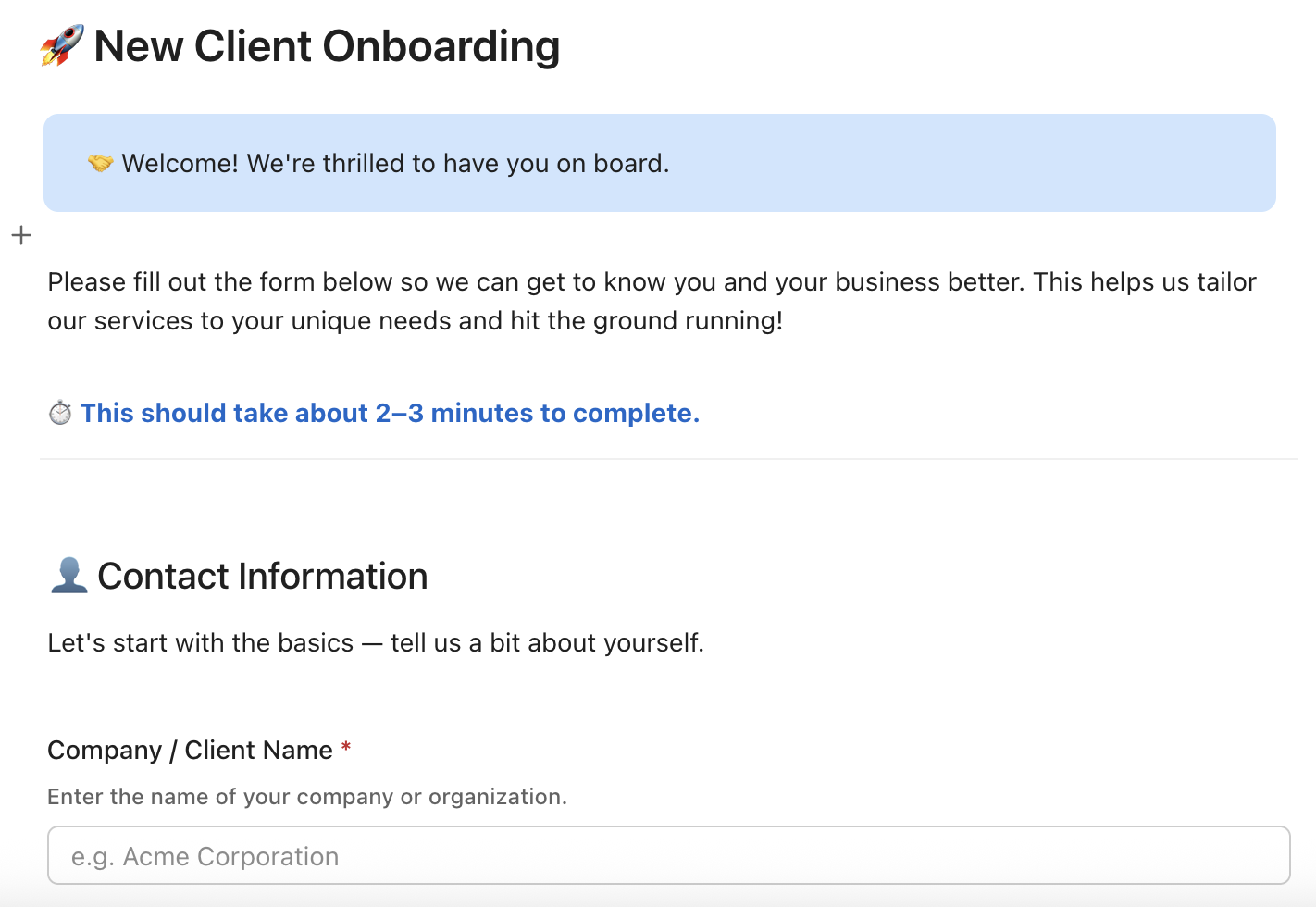
When: the onboarding task is created, especially if it came in through a form.
Then: ClickUp assigns a responsible person, whether that is a project manager, client success lead, or ops, and sets the first internal due dates automatically: intake review, kickoff scheduling, access requests.
This takes onboarding out of limbo. There is a who and a when from the moment the task exists, without anyone having to decide it manually.
When: the form creates the onboarding task.
Then: an automated email goes out to the client with their name, service type, next steps, relevant links, and dates pulled directly from the task fields.
The client gets an immediate response before anyone on your team has manually touched anything. That post-signing silence, the one that makes clients wonder if anything is actually happening, disappears. Worth noting: this depends on the Email ClickApp and workspace permissions, but it is a common setup once those are enabled
When: the onboarding task moves to a "Waiting on client" status.
Then: ClickUp automatically creates a follow-up task with a deadline two to three days out and assigns it to the owner.
Onboarding stalls are rarely intentional. They happen because someone was busy and forgot to check in. This automation makes sure the relationship never goes quiet by accident, and that a client who has gone quiet gets a thoughtful nudge before it becomes a problem.
When: a deal is marked closed won in your CRM.
Then: through Zapier or Make, ClickUp creates the onboarding task automatically with the important context already filled in: scope, start date, package, stakeholders, and anything promised during the sales conversation.
This is the handoff most agencies get wrong. Delivery should not depend on someone's memory or a buried Slack thread. When the context travels automatically from sales to delivery, the client never feels the gap between the two.
If your onboarding currently lives in someone’s head, the next step is not building five automations but writing down what actually happens when a client signs.
Start with the first two weeks and map the moments that create uncertainty: the missing welcome email, the unclear owner, the kickoff that gets booked without prep, the access request that never gets asked for. Then turn those moments into structure. Build one onboarding template that reflects reality. Use a form to capture the inputs cleanly. Automate the handoffs that should never rely on memory.
You do not need a perfect system. You need a system that does not break when you are busy. That is what the best SMBs are building in 2026, onboarding that feels personal to the client because the basics are handled automatically.



.webp)
.webp)


.webp)

